How employees sign in
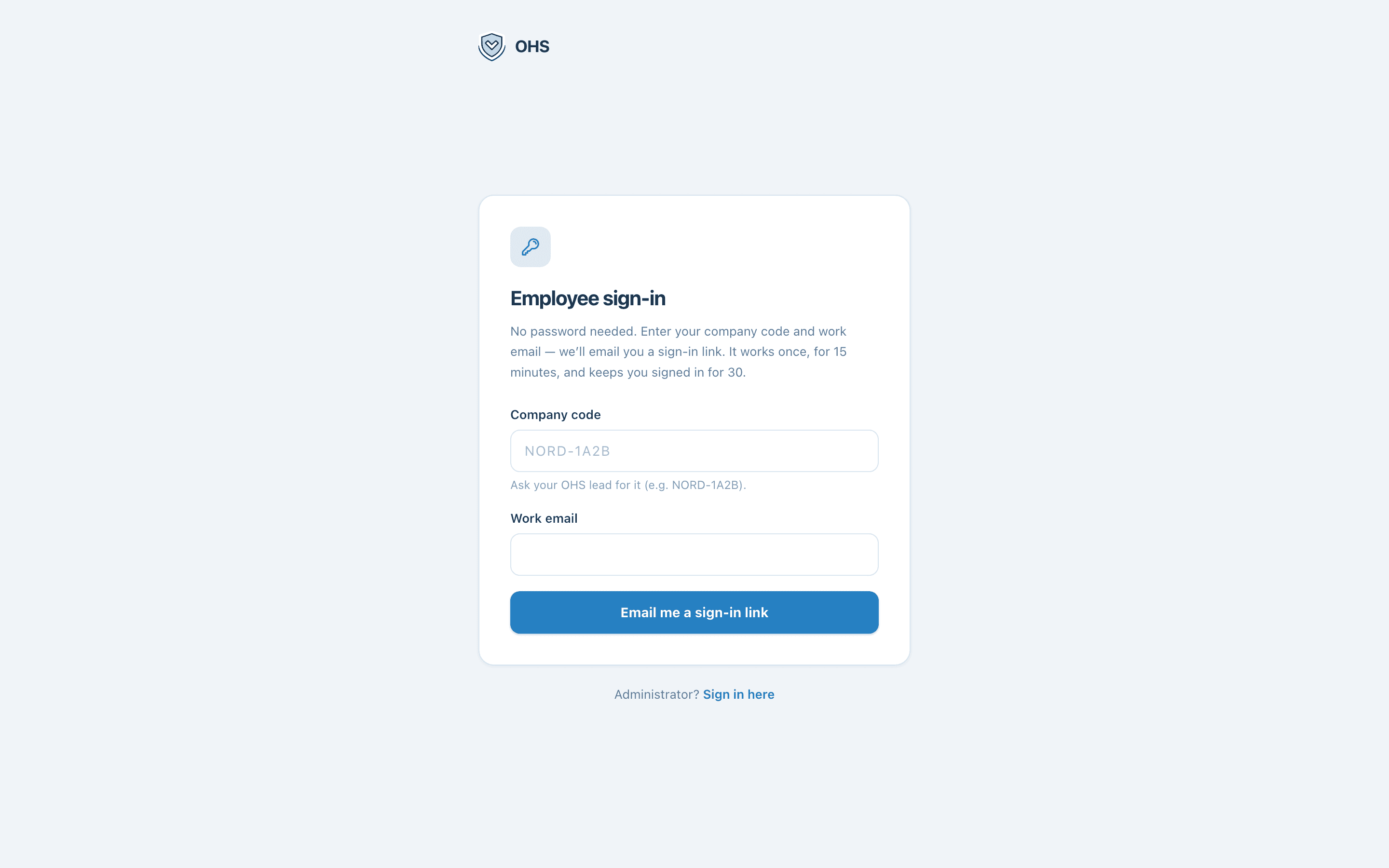
Company code + work email → a sign-in link. No accounts, no passwords, nothing to install.
Employees never get accounts or passwords. The portal gives every person in the register self-service access to their own safety records through a magic link.
- 1Employee opens the portal
They enter your company code (found in Settings → workspace details, e.g. NORD-1A2B) and their work email.
- 2We email a link
If the code and email match an employee, a sign-in link arrives. It works once, for 15 minutes.
- 3They see their own records
Their health-check dates, their workstation assessments, their safety roles and trainings — nobody else's. Health outcomes never appear in the portal. The session signs out automatically after 30 minutes.
Why this matters
Chasing confirmations, such as “please confirm you received your protective equipment” or “please confirm this instruction”, takes time. With the portal, employees confirm these themselves when they sign in, in Estonian or English, with no IT setup on their side.
Tell us about your company, and we’ll help you get started.