Create your company
From an email address to your own OHS workspace in about two minutes.
You register with an email address and a company name, and sign in with a link sent to your email. A password is optional: you can add one later under Your account → Sign-in methods.
- 1Register
Enter your work email and company name on the registration page, and accept the Terms of Service for your company. We email you a link to confirm the address. It works once, for 15 minutes.
- 2Open the link
Clicking the link signs you in and creates your workspace. Your 14-day free trial starts here — every feature included, no card required.
- 3Confirm your business and workplaces
Add each place where people work and confirm that your workplaces are in Estonia. Nothing is suggested before that. OHS supports workplaces in Estonia only.
- 4Continue from Setup
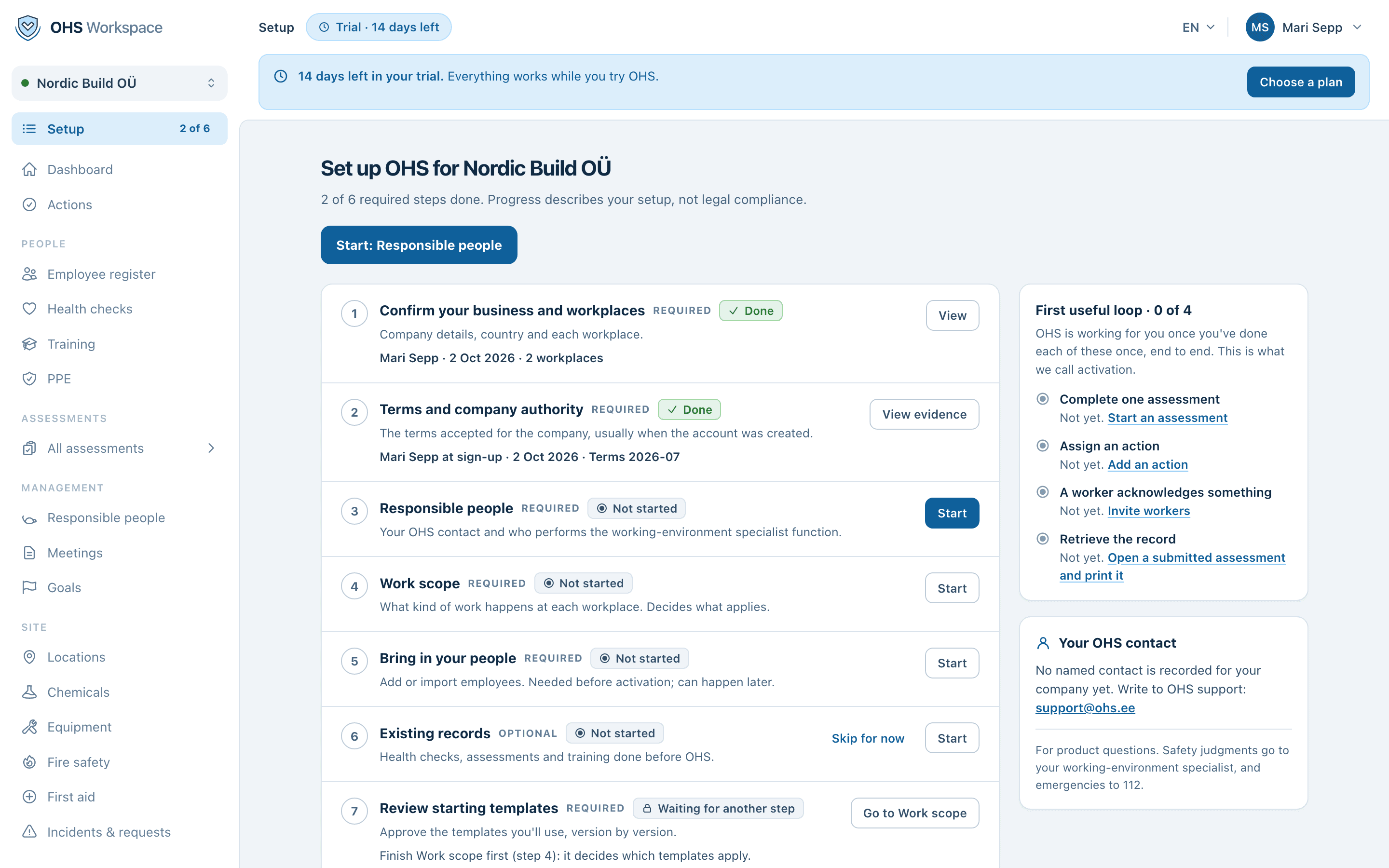
The app opens on Setup, which lists the remaining steps: responsible people, work scope, your people and the starting templates. Each step shows who did it and when, and you can stop and come back at any time. The usual next step: add your employees.
What the trial includes
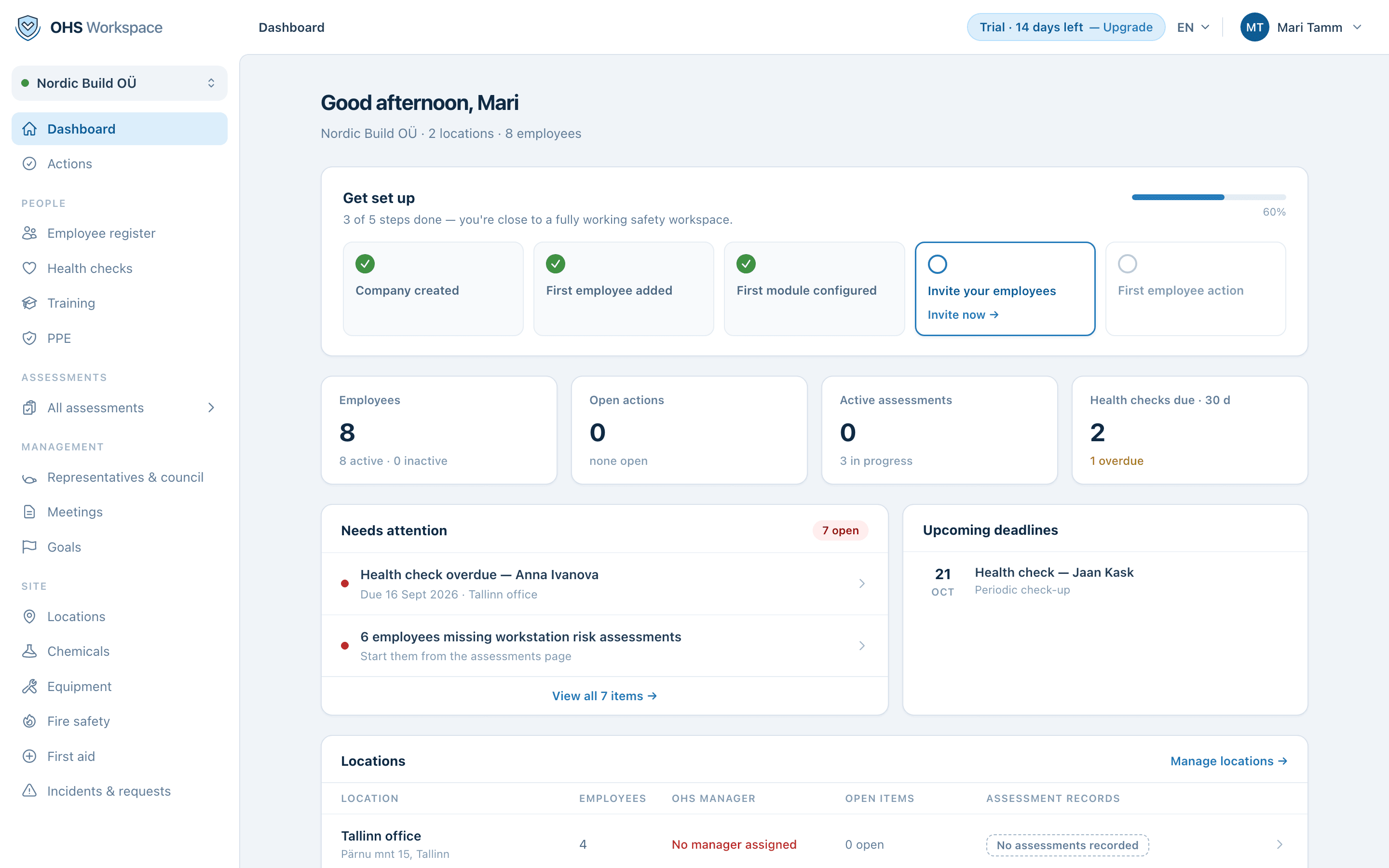
The trial is the full product for 14 days. When it ends, your data stays safe and readable — the workspace becomes read-only until you pick a plan. Nothing is deleted, and safety records are never locked away. See plans & billing.
Tell us about your company, and we’ll help you get started.