
How the assessment engine works
Templates, conditional logic, 5×5 risk-matrix scoring, autosave, and immutable submissions.
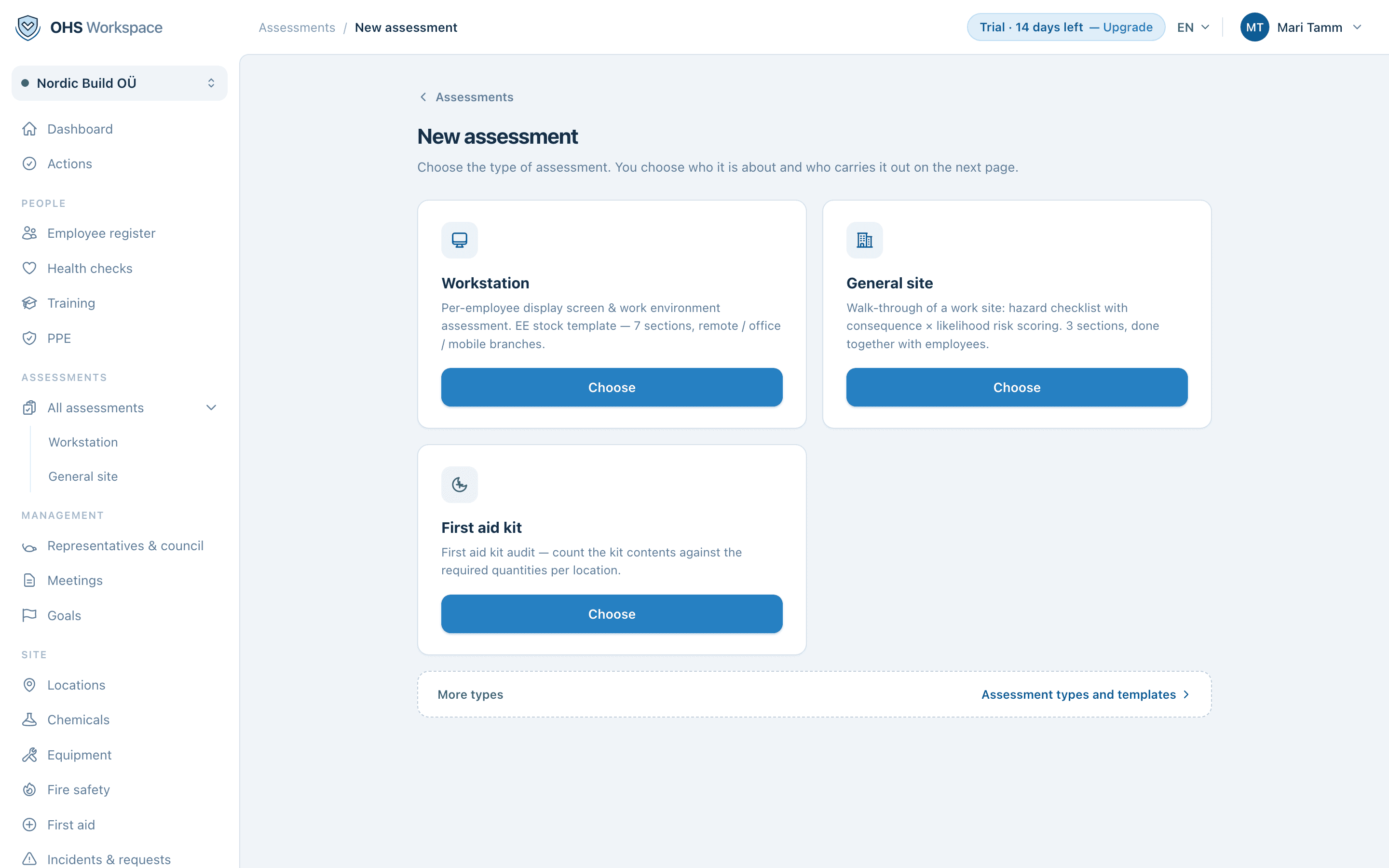
Every assessment type in OHS, from workstation and site assessments to first aid kit audits, runs on one engine. Understanding it once explains all of them.
Templates
A template defines sections, questions, field types and scoring rules. Your country decides which stock templates the workspace starts with. Stock templates are starting points written by OHS; they're not legal advice and not "pre-approved". Your company's competent person approves each version for your workplace in Assessments → Templates, and until then records made with it show “Starting point · not yet reviewed”. Templates can't be edited in OHS: to adapt one, request a change, and OHS publishes a version for your company to approve.
Conditional logic
Questions and whole sections can depend on earlier answers — answer “remote work” and the office ergonomics section never appears. Shorter forms get finished; forms that ask everything of everyone don't.
Risk scoring
Hazards are scored on a 5×5 risk matrix: you set consequence and likelihood (1–5 each), and their product is the score, computed live, and lands in a band — acceptable, adequate, tolerable, or unacceptable. Bands make the result comparable across assessments and give the dashboard something honest to count.
Autosave and submission
Everything autosaves — an assessment in progress can be picked up days later. When it's complete, a named person submits it. Submitted assessments don't change: Correct this record creates a new revision and keeps the old one viewable, and Start re-assessment records the workplace at a new point in time. What was submitted on a date stays what was submitted on that date.
Tell us about your company, and we’ll help you get started.